

Meetings don’t speak one language.
Sedjem turns Egyptian Arabic–English meetings and calls into transcripts on your own computer. The English words stay in English, and each speaker is told apart by voice.
Download for WindowsDownload for Linux Linux, and the sourceWindows, and the source
- Mona
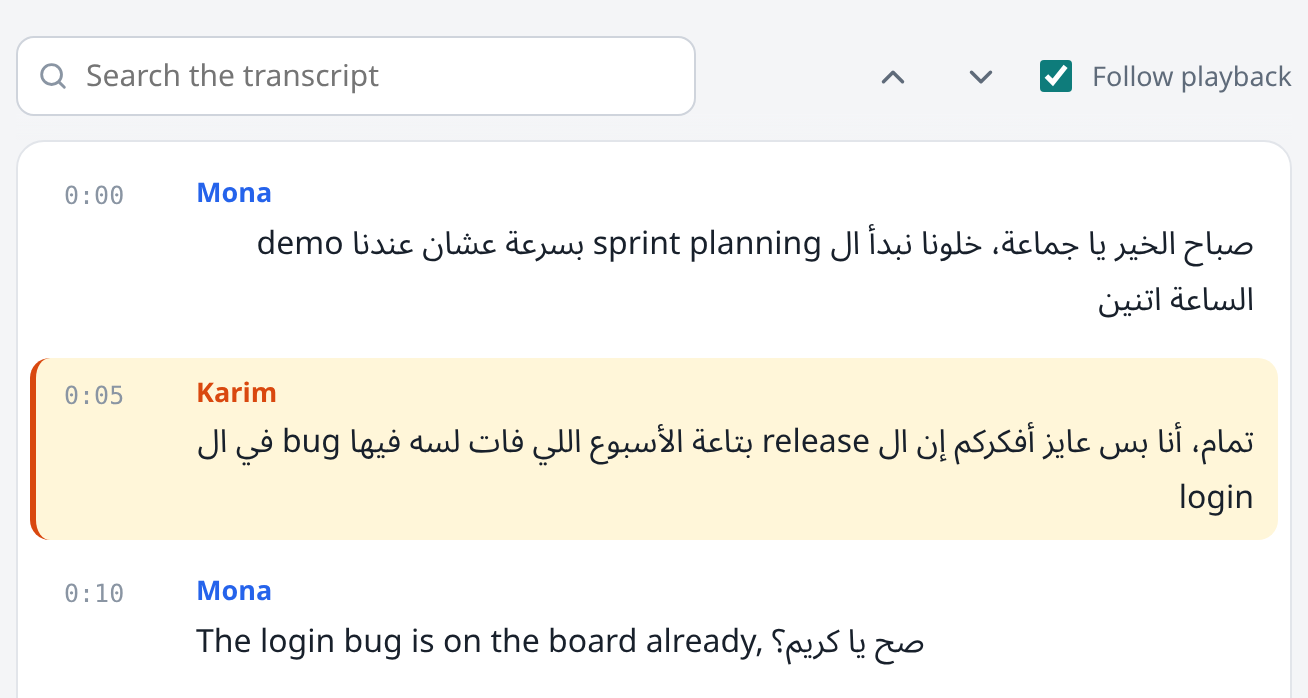
صباح الخير يا جماعة، خلونا نبدأ ال sprint planning بسرعة عشان عندنا demo الساعة اتنين
- Karim
تمام، أنا بس عايز أفكركم إن ال release بتاعة الأسبوع اللي فات لسه فيها bug في ال login
- Mona
The login bug is on the board already, صح يا كريم؟
- Karim
أيوه، عملتله ticket وحطيته high priority، المشكلة في ال session timeout
- Omar
أنا شفت ال logs امبارح، ال token بيخلص قبل ما ال refresh يحصل، فال user بيطلع برا
- Mona
طب مين هياخده الـ sprint دي؟
sprint-planning.srt
1
00:00:00,400 --> 00:00:05,000
Mona: صباح الخير يا جماعة، خلونا نبدأ ال sprint planning بسرعة عشان عندنا demo الساعة اتنين

2
00:00:05,300 --> 00:00:10,500
Karim: تمام، أنا بس عايز أفكركم إن ال release بتاعة الأسبوع اللي فات لسه فيها bug في ال login

3
00:00:10,800 --> 00:00:14,200
Mona: The login bug is on the board already, صح يا كريم؟
English words stay English
Egyptian teams talk in Arabic sentences full of English words. Many speech models write those words in Arabic letters; the ones Sedjem runs keep them in Latin script.
- As some models write it
- صباح الخير يا جماعة، خلونا نبدأ السبرينت بلانينج بسرعة عشان عندنا ديمو الساعة اتنين
- As Sedjem writes it
- صباح الخير يا جماعة، خلونا نبدأ ال sprint planning بسرعة عشان عندنا demo الساعة اتنين
Checked on a public test set
On 40 public Egyptian Arabic–English clips, several models kept only 8–25% of the English terms in Latin script. The ones Sedjem runs kept 77–90%.
Real meetings are harder than any test set, so treat a local transcript as a draft. For minutes that people will rely on, a hosted service is still more accurate.
| Model | WERlower is better | English kepthigher is better | 1 h takeson the test laptop |
|---|---|---|---|
| Cohere Transcribe Arabic | 13.4% | 77% | about 20 min |
| whisper-medium code-switching default | 18.5% | 90% | 30–45 min |
| Whisper large-v3 with an Egyptian style hint | 20.8% | 88% | about 2 h |
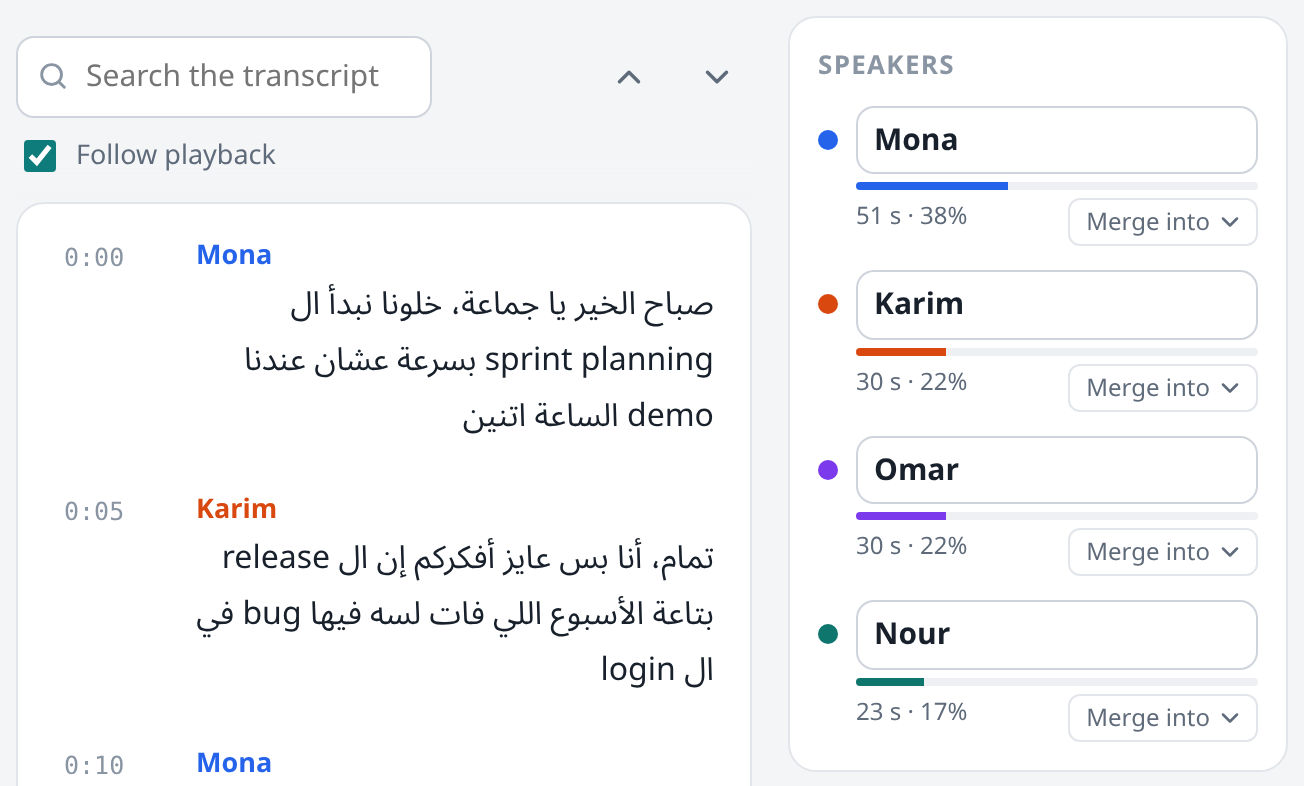
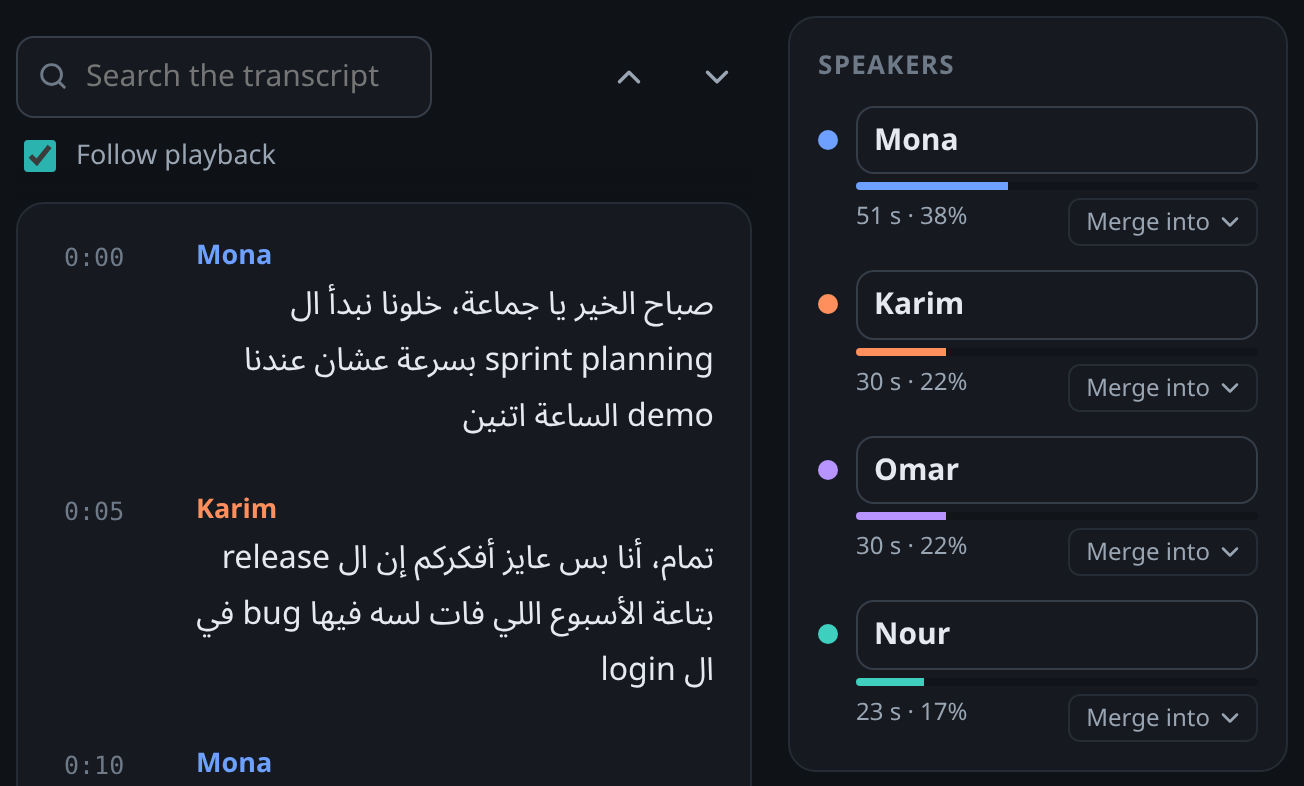
Every voice gets its own name
A voiceprint model tells the speakers apart and labels their lines; you name each one once.
In the project’s tests on meetings of two or three people, 8–9% of the words went to the wrong person, against 6% for ElevenLabs’ own labels.
Your recording stays on your computer
The models run on your own processor or graphics card. There is no account, and a recording is uploaded only if you choose a hosted service and allow it, each time.
Sedjem also sends a few anonymous usage counts, such as its version, your country and how many transcriptions it made, so the project knows where it’s used. Never your recordings, transcripts or file names. You can switch them off in Settings. The website itself counts page views and download clicks anonymously, without cookies, and honours Do Not Track.
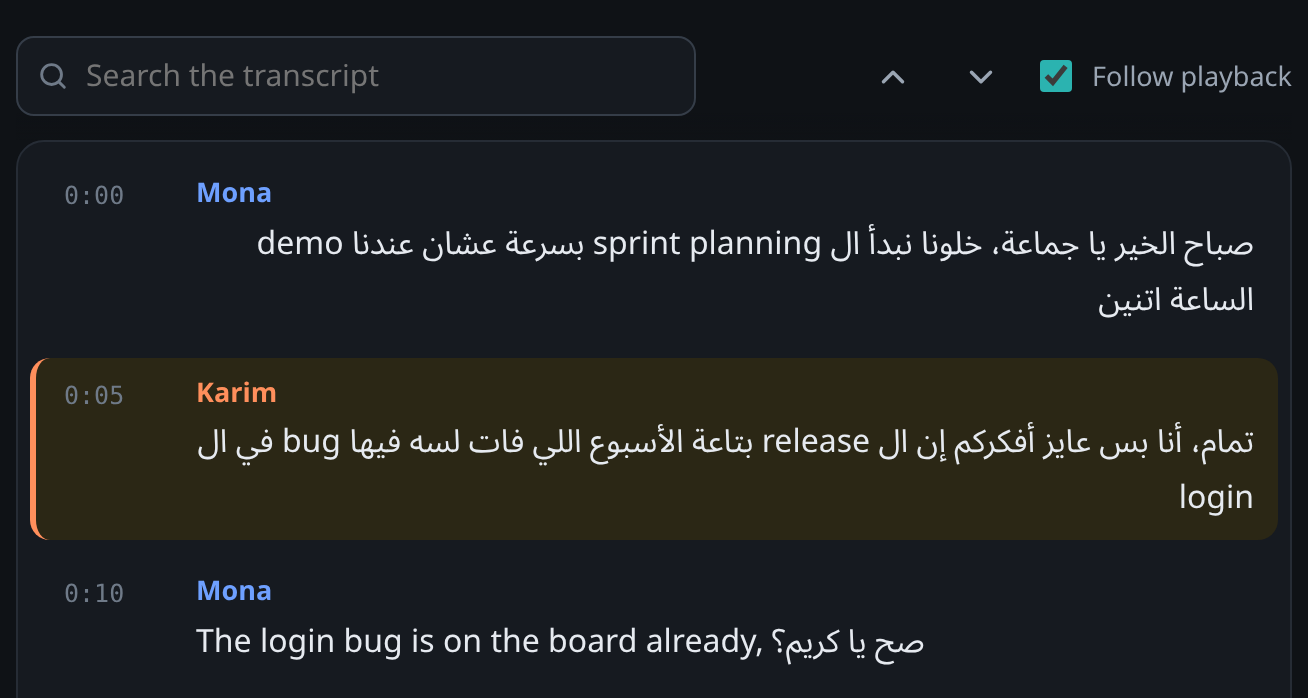
Click a line to hear it
The transcript follows the recording as it plays. Search it, rename the speakers and correct the text while you listen.
Every fix is a new version
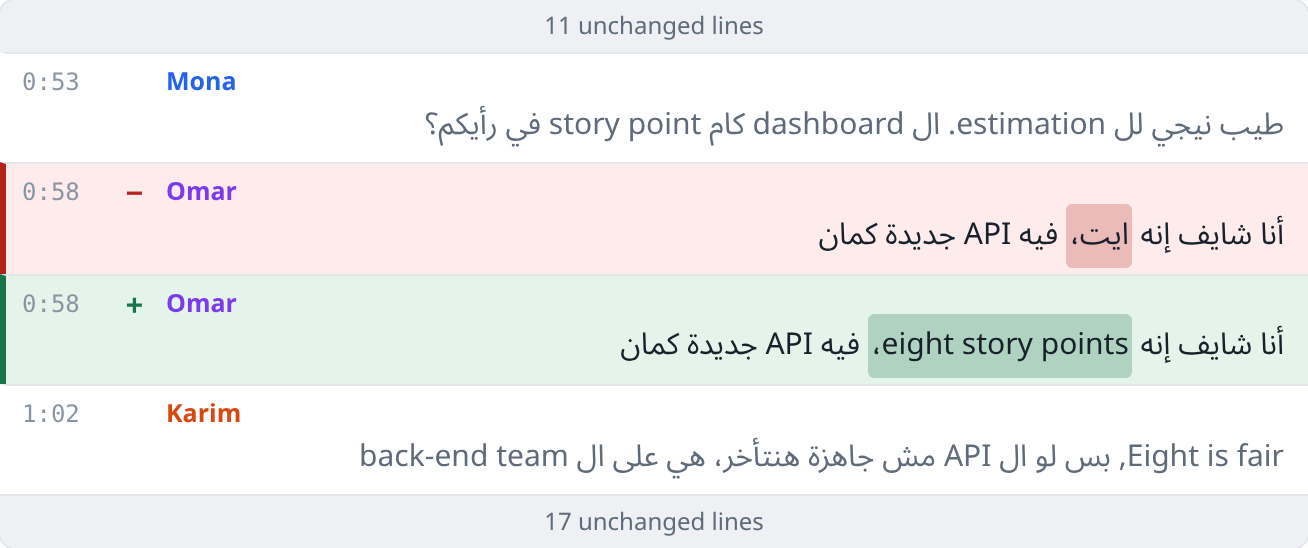
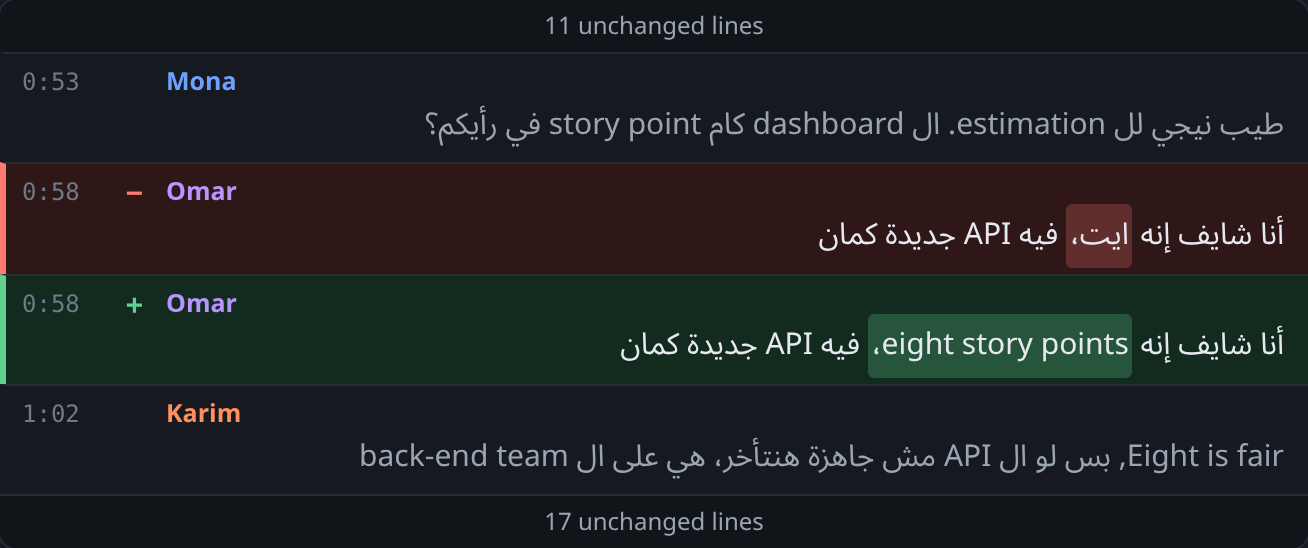
Edits are shown as a diff before they’re saved, and the model’s own output stays as version 0.
Two models, the better line from each
Run a second model on the same recording. Sedjem lines the transcripts up, marks the words that differ, and keeps the line you choose.
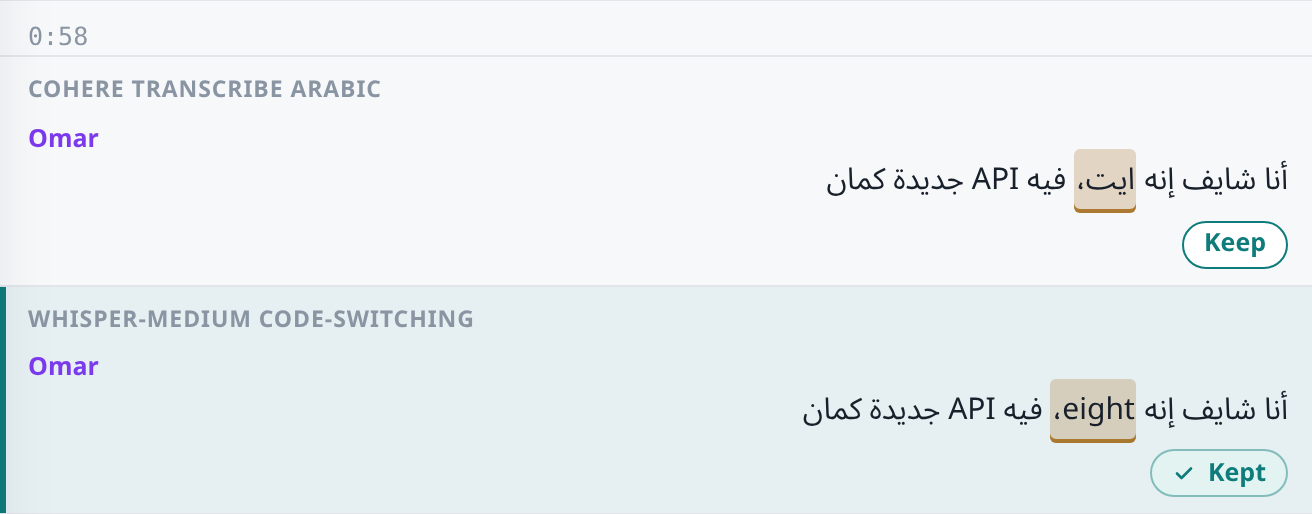
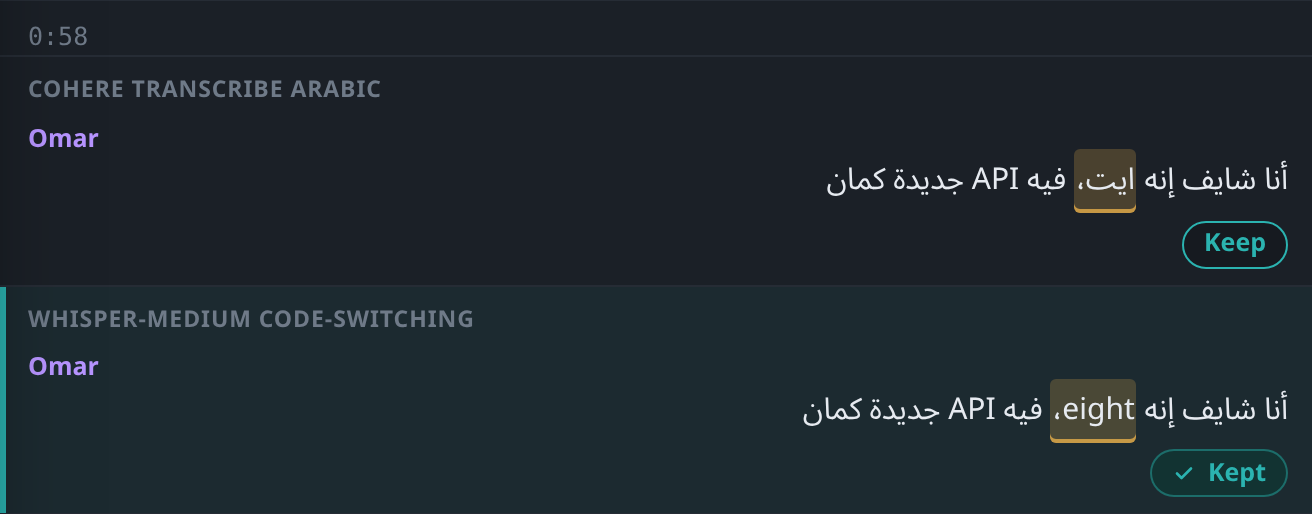
Runs on an ordinary laptop
No graphics card is needed: on the project’s test laptop, Cohere Transcribe Arabic writes up an hour of audio in about 20 minutes.
On your computer
- Platforms
- Windows 10 and 11, Linux on x64
- Graphics card
- Optional, it speeds things up
- Download
- About 80 MB, then a model of 778 MB or 1.6 GB
With your recordings
- Languages
- Egyptian Arabic and English, mixed
- Opens
- Audio and video files, YouTube links and playlists
- Exports
- Plain text, SRT, WebVTT, Markdown and JSON
- Assistants
- Claude, Cursor and VS Code, over MCP
- Licence
- AGPL-3.0, free and open source
Get Sedjem
Free and open source under the AGPL-3.0. Version 0.3.1.
Windows
Windows 10 and 11. The installer is about 80 MB and installs for your user, without admin rights. It isn’t signed yet, so Windows SmartScreen warns about an unknown publisher: choose More info, then Run anyway.
Download for WindowsFrom source
With Python 3.12, Git and uv:
git clone https://github.com/MohammedEl-sayedAhmed/sedjem.git
cd sedjem
uv venv .venv --python 3.12
uv pip install --python .venv -r requirements.txt
./app.shFirst start
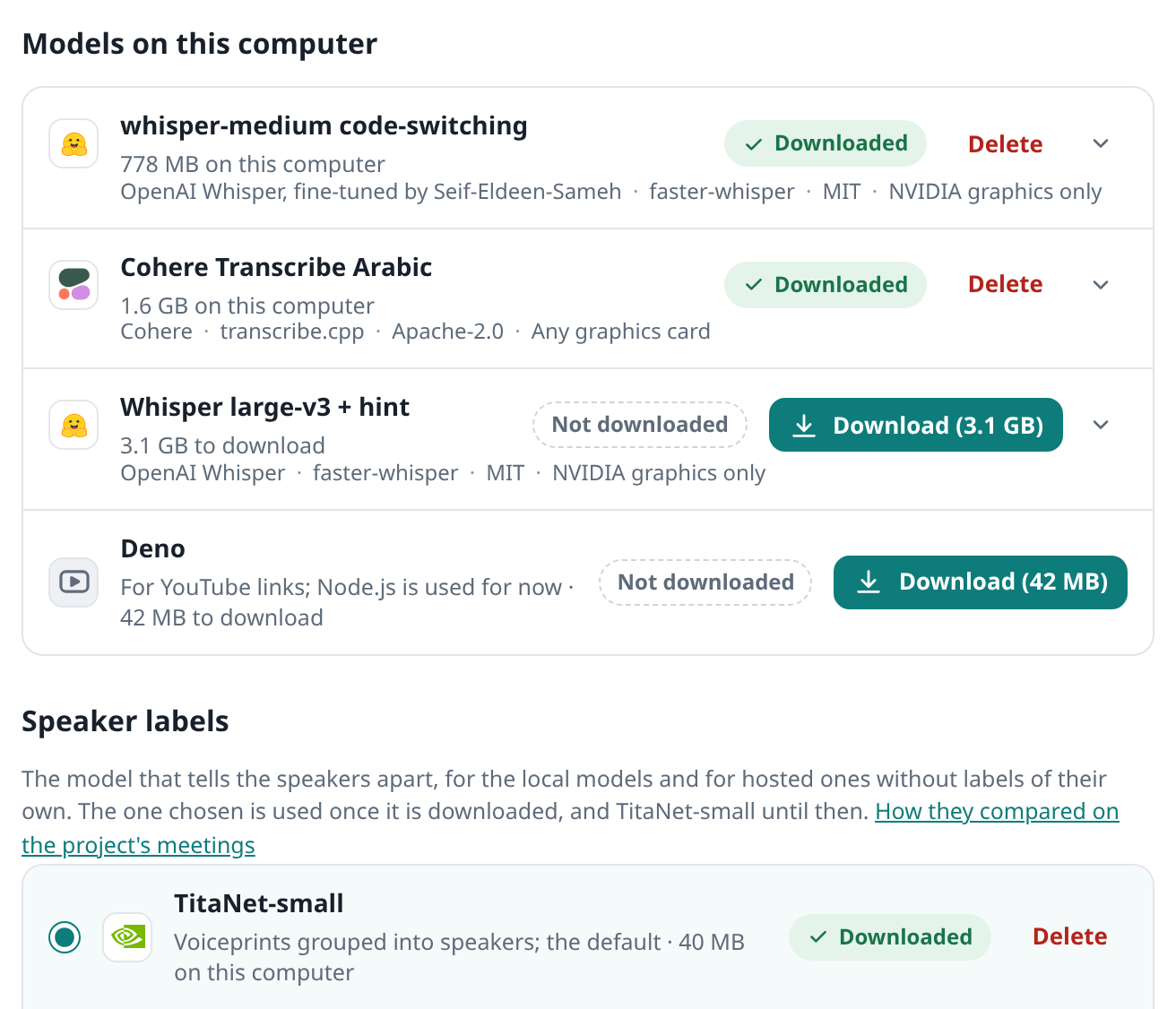
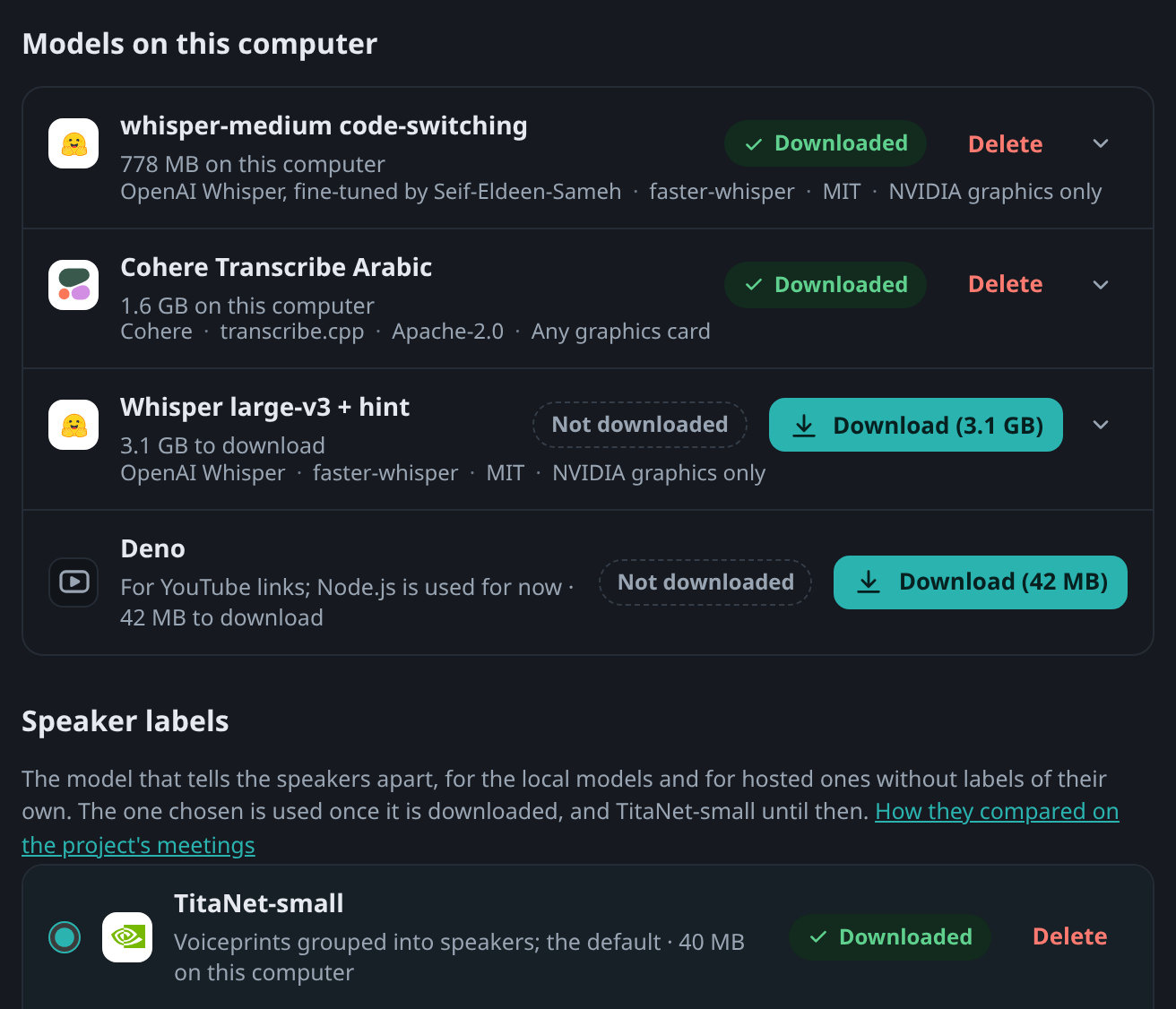
In Settings → Models, download whisper-medium (778 MB) or Cohere Transcribe Arabic (1.6 GB). The speaker model, TitaNet-small (40 MB), comes with the first one. A graphics card is optional.